
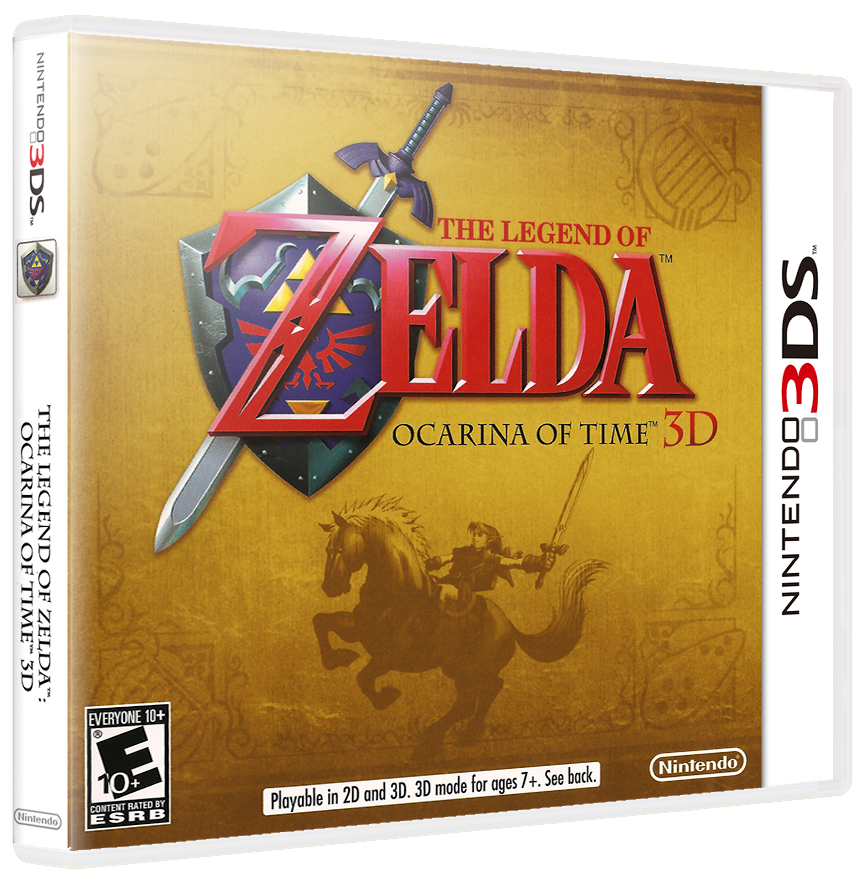
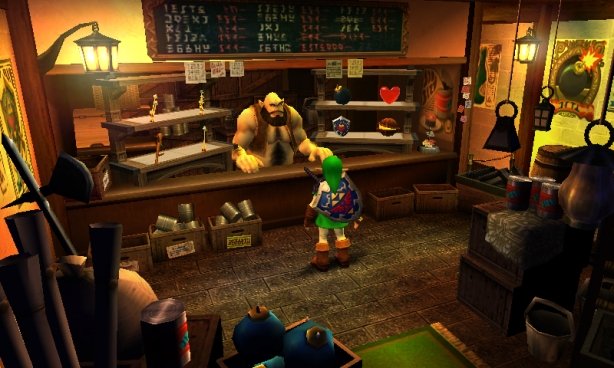
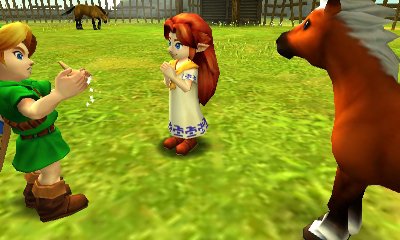
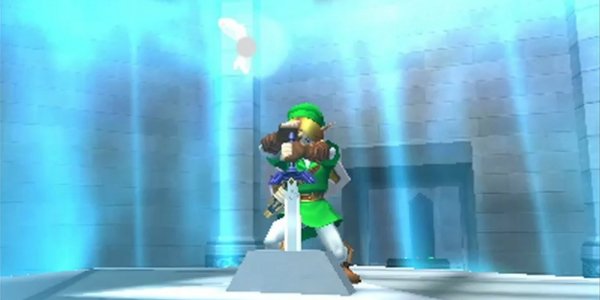
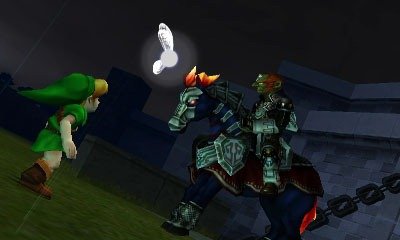
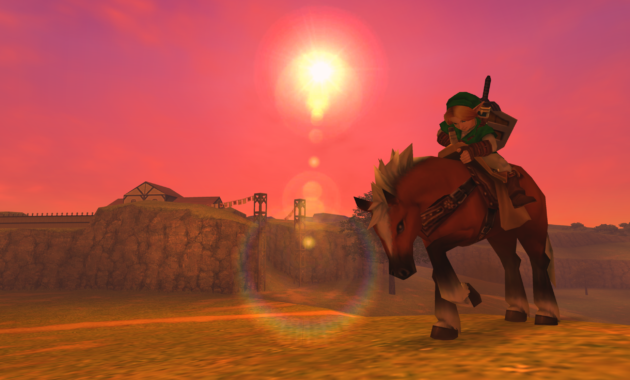
Step into one of the most celebrated adventures in video game history with the Zelda Ocarina of Time 3D ROM. Completely remastered for the Nintendo 3DS, this edition enhances the classic Nintendo 64 masterpiece with rebuilt textures, fluid animations, streamlined touch-screen inventory controls, and full stereoscopic 3D depth for both original hardware and modern PC emulators.
Overview and Key Features
Developed jointly by Grezzo and Nintendo, The Legend of Zelda: Ocarina of Time 3D follows Link as he journeys across Hyrule and travels across time itself to stop Ganondorf from seizing the Sacred Realm and claiming the Triforce. The 3DS remake fixes longtime player frustrations while preserving everything that made the original timeless.
Key highlights include:
- Remastered Visuals & Audio: Fully rebuilt 3D character models, enhanced environment textures, and polished orchestral elements running at a rock-solid framerate.
- Streamlined Touch-Screen Controls: Swap gear instantly on the lower screen—including equipping the Iron Boots in the Water Temple with a single tap rather than pausing.
- Motion-Controlled Aiming: Utilize built-in gyroscope controls for rapid, pinpoint accuracy when shooting the Fairy Bow, Slingshot, and Hookshot.
- Master Quest Included: Unlock the challenging Master Quest mode featuring mirrored dungeon maps, rearranged puzzle solutions, and stronger enemy layouts.
- Boss Challenge Mode: Relive intense boss fights individually or take on continuous gauntlets to test your combat timing and mastery.
Emulation and Compatibility
Our tested Zelda Ocarina of Time 3D ROM package delivers complete cross-platform compatibility across hardware and emulators:
- Citra Emulator (PC, Mac & Android): Fully playable out of the box with the decrypted
.3DSfile. Supports custom HD texture packs, 4K resolution scaling, 60 FPS patches, and seamless dual-screen layouts. - Native 3DS Hardware (Luma3DS / CFW): Install the verified
.CIAbuild via FBI or Custom-Install for 100% native performance on any original 3DS, 2DS, or New 3DS system.
Explore more epic quests across Hyrule by browsing our full library of Nintendo 3DS ROMs and setup tutorials on our Citra emulator guides.
Installation Instructions
- Download the Zelda Ocarina of Time 3D ROM in your preferred format (Decrypted
.3DSor.CIA) from the links below. - For Citra: Launch Citra, select File > Load File, select the decrypted
.3dsfile, and start playing instantly. - For Modded 3DS Consoles: Place the
.ciafile inside the/cias/directory of your SD card, launch FBI, choose the file, and tap Install and Delete CIA. - Configure your analog stick sensitivity, map the touch shortcuts, and begin your journey through the Temple of Time.
